
Consumption
Understanding the electricity consumption page and disaggregation.
The Consommation Energie page shows detailed electricity usage data for your selected site. You'll find it under Electricite > Consommation Energie in the sidebar.
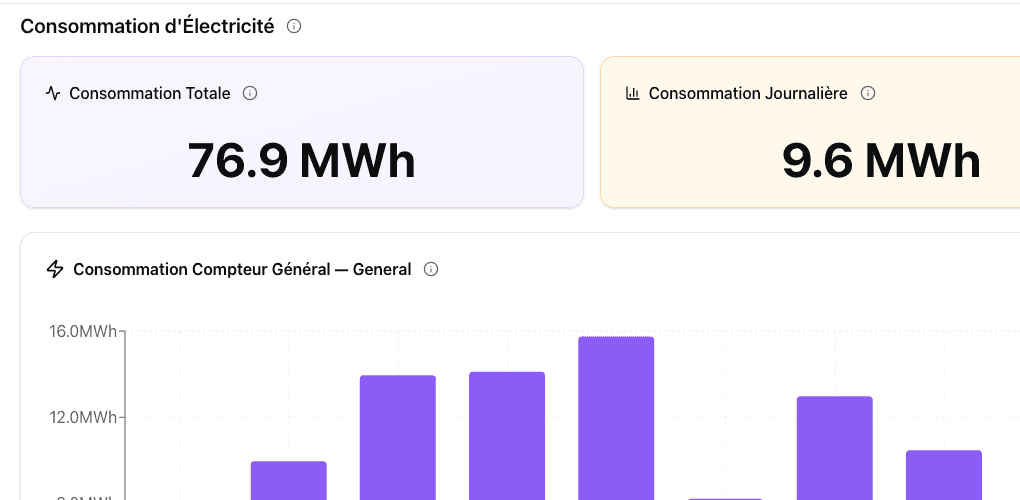
Stat cards
At the top of the page, two key metrics are displayed:
| Card | Example | Description |
|---|---|---|
| Consommation Totale | 76.5 MWh | Total energy consumed in the selected period |
| Consommation Equivalent | 9.6 MWh | Equivalent adjusted consumption |
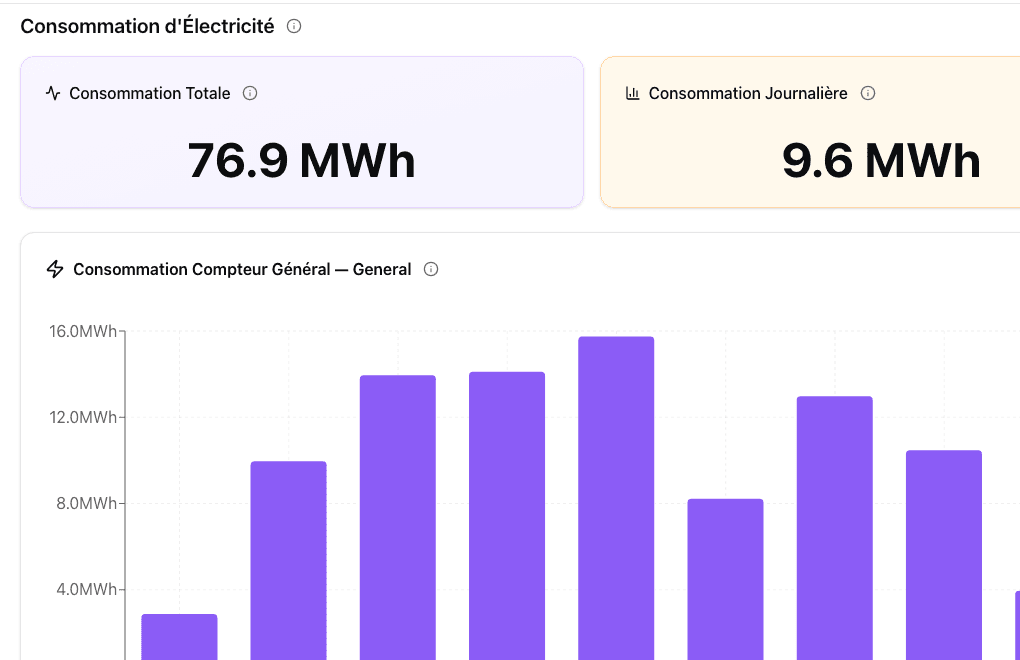
Consommation Journaliere (Daily Consumption)
The first chart shows daily electricity consumption as bar charts, color-coded by category. This gives you a quick visual of consumption patterns across days.
Consommation d'Energia par Indicatore Sotto Tipo
A stacked bar chart breaking down consumption by equipment sub-type:
| Category | French | Includes |
|---|---|---|
| Lighting | Eclairage | Indoor, outdoor, parking, reserves |
| HVAC | CVC | Roof Top, ventilation |
| Refrigeration | Froid | Cold centrals, cold rooms |
| Outlets | Prises | Equipment connected to power outlets |
| High-consumption | Causes Energetivores | High-energy-consuming equipment |
| Refrigeration | Refrigeration | Dedicated refrigeration circuits |
Use the legend at the bottom of the chart to show or hide specific categories.
Consommazione d'Energia per Sensore
Consumption broken down by individual sensor, with toggleable legend showing detailed vs. summary views.
Flux d'Energia (Energy Flow)
At the bottom of the page, a Sankey diagram (flow chart) visualizes how energy flows from the main feed through different categories and sub-categories. The width of each flow represents the proportion of total consumption.
DJU normalization
Toggle Corrige DJU in the toolbar to switch between raw consumption (kWh) and weather-adjusted consumption. See DJU Normalization for details.